NIGHTSTAND MODE
Your bedside
glucose display.
Make a nearby iPhone or iPad easier to read at night. A large glucose number, trend direction, and freshness indicator keep the essentials together.

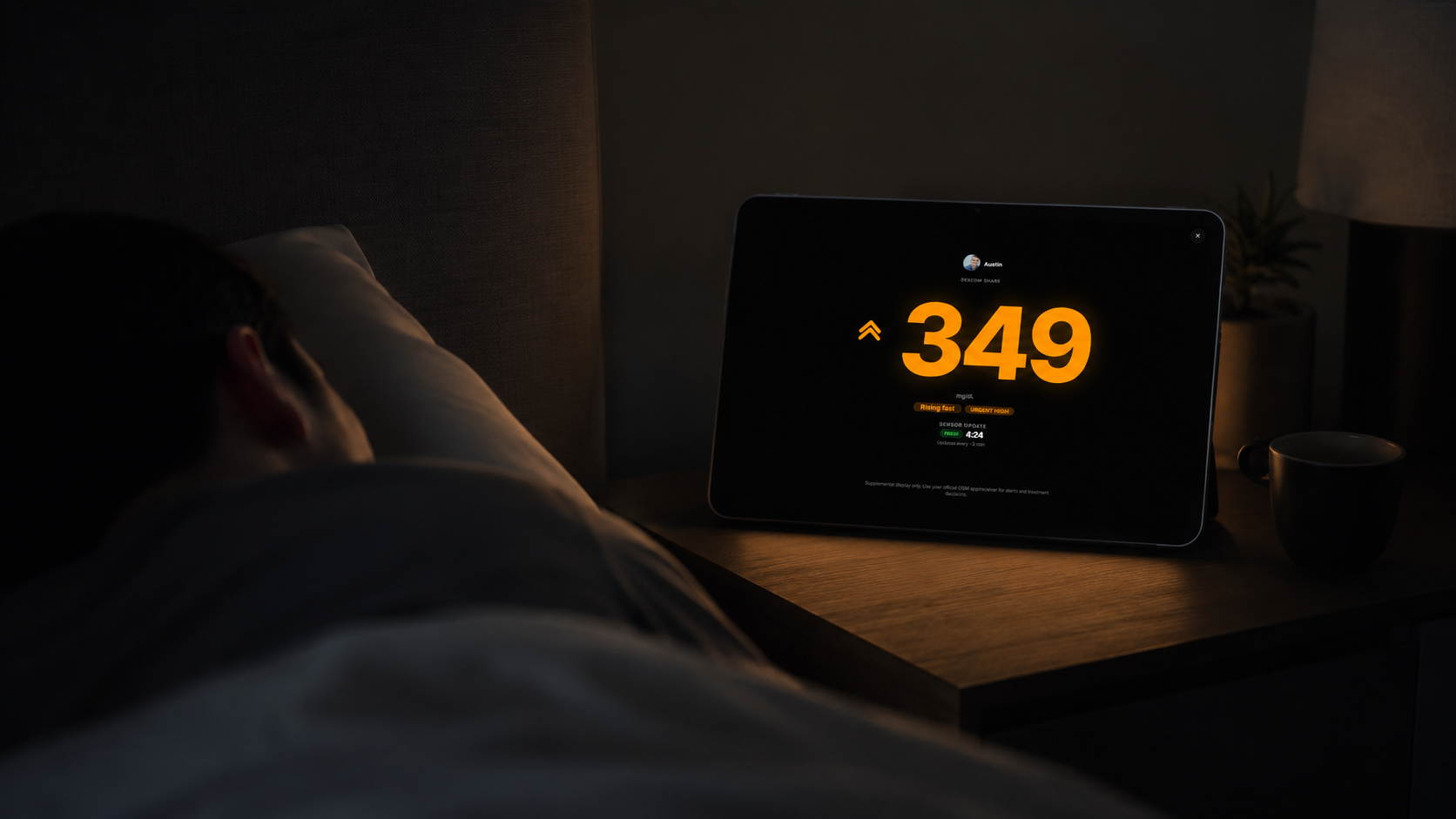
What you can see at a glance
Nightstand puts the latest available glucose reading front and center. The trend arrow shows direction, while the freshness indicator helps distinguish a recent reading from older data. It is a display of available source information—not a prediction.
Getting your bedside display ready
- Install Mirror Health on a supported iPhone or iPad and connect a supported glucose source.
- Select the person you want to view, then open Nightstand Mode.
- Place the device where it is readable, keep it powered and connected, and confirm that the displayed reading is current.
Keep your official alerts active
Mirror depends on its source and internet connection. Nightstand does not guarantee overnight updates or replace a CGM receiver, manufacturer alerts, or your care plan. If a reading is stale or unavailable, check your official source.
Sharing with someone outside your home?
Explore family-controlled Caretaker Mode for time-limited access on a caregiver’s device. Or visit Mirror Health Support for setup help.